Siri, tiles and shortcuts
Most of the time the job is done and you just want it written down. GearKit’s actions work from outside the app, and every one of them can be taken back.
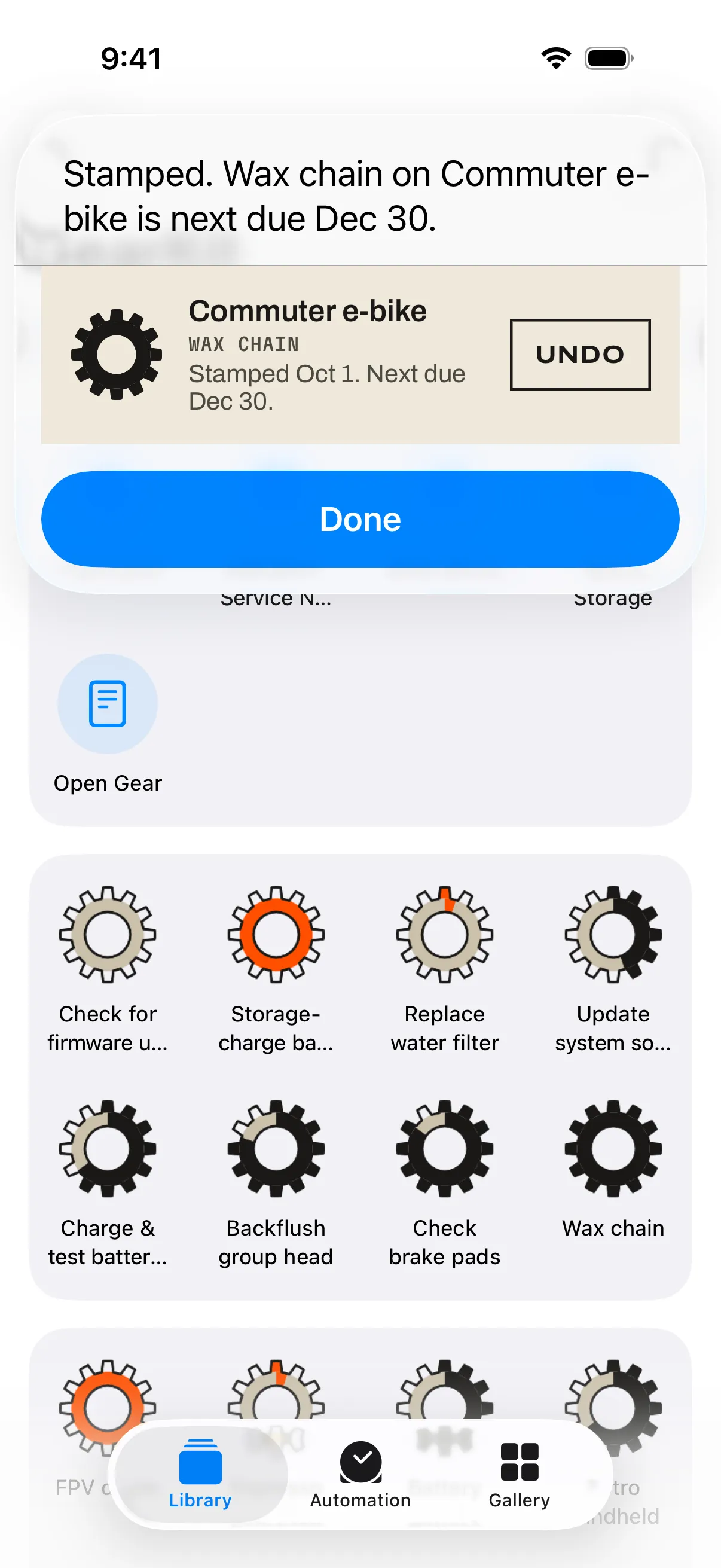
- 1 What Siri says
“Stamped. Wax chain on Commuter e-bike is next due Dec 30.”
- 2 The snippet
The item’s gauge winding up, the job, the new due date, and Undo. Undo puts the countdown and the reminders back as they were.
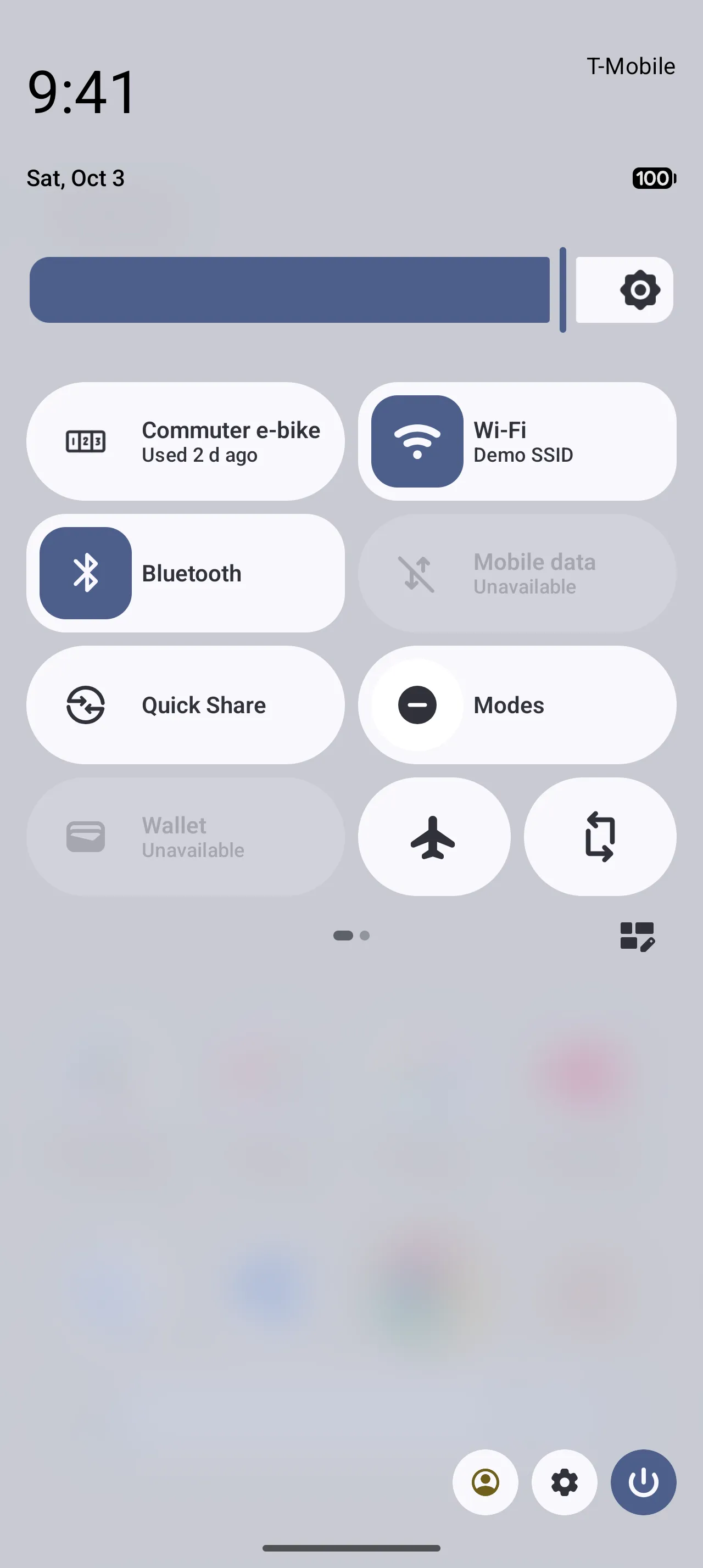
- 1 The tile
Set to an item, it logs a use; set to a job, it stamps it. The subtitle says where things stand: “Used 2 d ago”, “12 d left”, “Done today”.
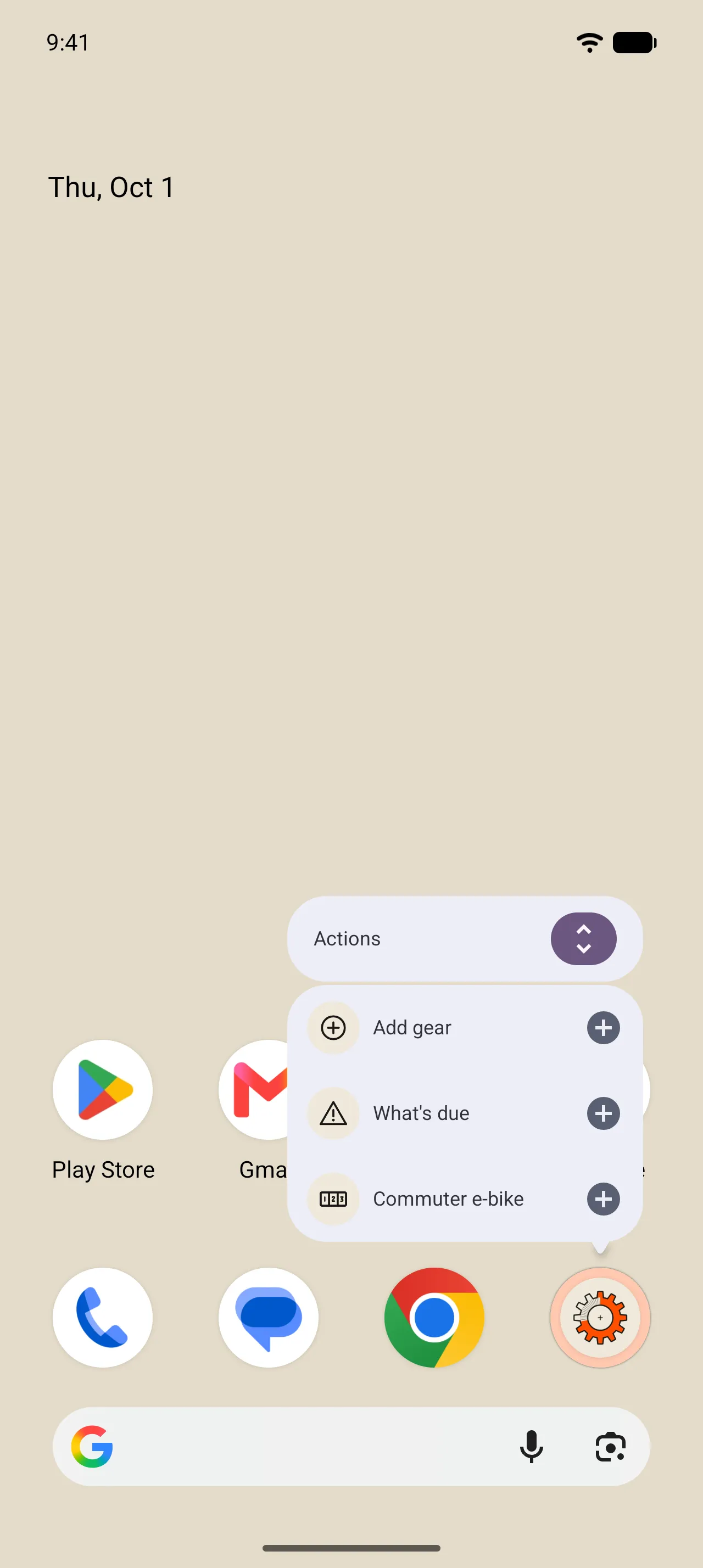
- 1 Add gear
Straight to a new item (or the free-garage sheet at fifteen).
- 2 What’s due
Home on the Overdue tab when anything is overdue, otherwise Due soon.
- 3 Log usage
One per item you used most in the last 30 days, up to three. A tap logs a use and shows the slip with Undo.
What to say to Siri · iPhone
No setup. These work from the day GearKit is installed; the names are your gear’s and your jobs’.
- Mark a job done
- “Mark Wax chain done in GearKit”, “Wax chain is done in GearKit”, “Log Wax chain in GearKit”. Two jobs with the same name? Siri asks which. 05 Marking a job done ›
- Log usage
- “Log usage of Commuter e-bike in GearKit”, “I used my Commuter e-bike in GearKit”. Siri replies “Usage logged for Commuter e-bike.” 06 Usage ›
- What’s due
- “What’s due in GearKit”, “What needs servicing in GearKit”. The reply names up to three, most urgent first, or says “All wound up. Nothing needs attention.”
- A next-service note
- “Add a next-service note in GearKit”. Siri asks which gear, then the note.
- Daily driver
- “Make gear a daily driver in GearKit”, “Put gear in storage in GearKit”. Siri asks which gear and tells you what pauses.
- Open gear
- “Open gear in GearKit”, then the name.
- Undo
- Every reply that changes something has Undo. After it: “Undone. Back the way it was.”
Shortcuts, Spotlight and Control Center · iPhone
- The Shortcuts app
- The same actions as Siri: Mark Job Done, Log Usage, Add Next-Service Note, Set Daily Driver, What’s Due, Open Gear. Put them in automations: log a ride when a cycling workout ends. Recipes on the Ideas page.
- Spotlight
- Search a job and its row has a checkmark that marks it done, with Undo in the reply. Search an item for a row that opens it and one that logs a use.
- Control Center
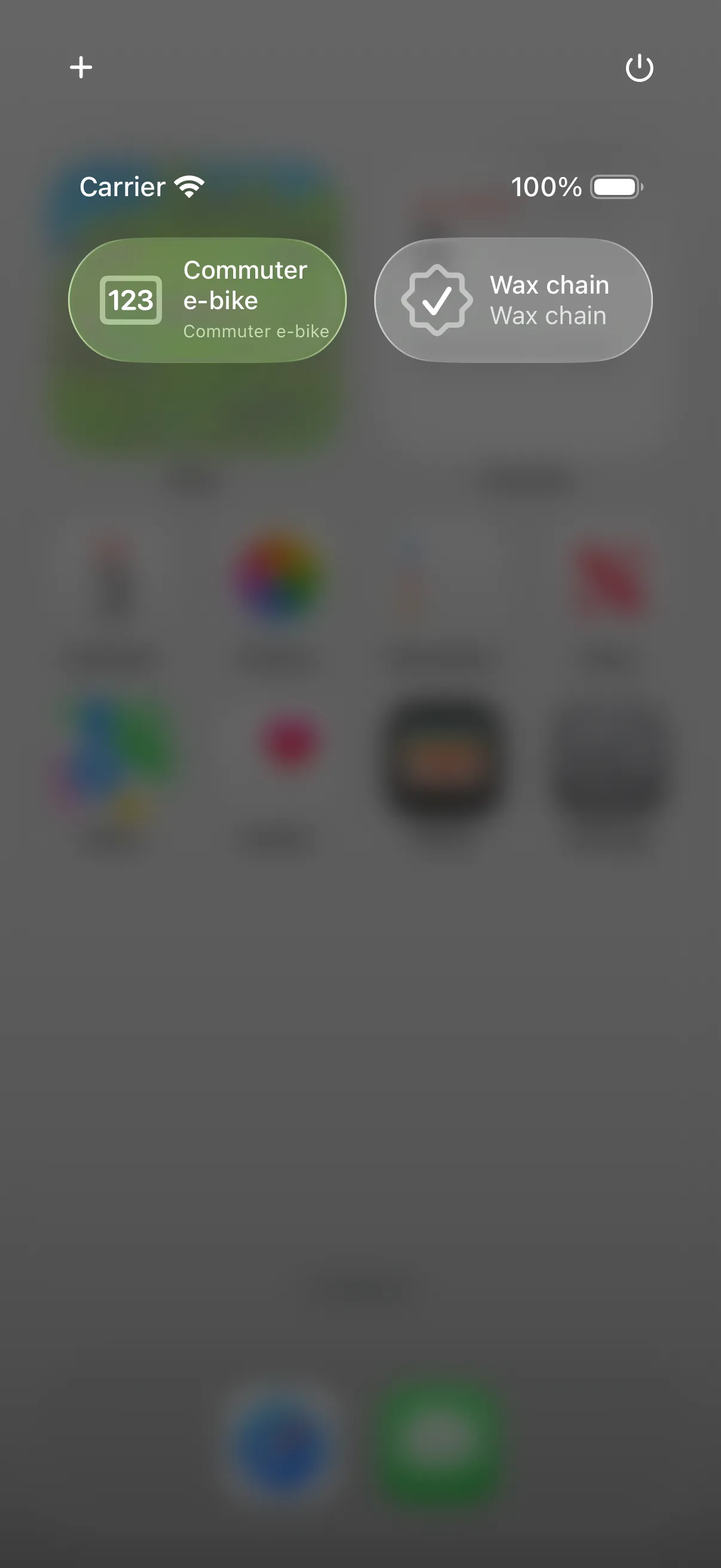
- Add Log Usage (pick an item) or Mark Job Done (pick a job). A tap acts without opening GearKit and shows “Logged” or “Done” for a moment. The same controls go on the Lock Screen and the Action button.
The tile and launcher shortcuts · Android
- Set up the tile
- Edit Quick Settings, drag GearKit in, and tap it once: pick Log usage with an item, or Mark job done with a job, then Save.
- Use the tile
- A tap logs or stamps. A job already Done today isn’t logged twice. Press and hold the tile to open the item.
- Change the tile
- Remove it from Quick Settings and add it again; it asks anew.
- Launcher shortcuts
- Press and hold GearKit’s icon. Drag a Log usage shortcut to the home screen for one-tap logging.
- Gemini · Coming
- GearKit’s actions are ready for Gemini on Android 16; they go live when Google opens Gemini to other apps.